Completion requirements:
- View
From Basics to Artificial Intelligence
Now that your Raspberry Pi is fully functional, a world of endless possibilities opens up. Whether you want to automate your home, build a robot, or experiment with neural networks, the Raspberry Pi community has created a massive amount of material. Here is an overview of the best resources, categorized for your convenience.
1. Official Basics and Documentation
The foundation of any stable project is quality hardware, up-to-date software, and reliable technical documentation directly from the manufacturer.
-
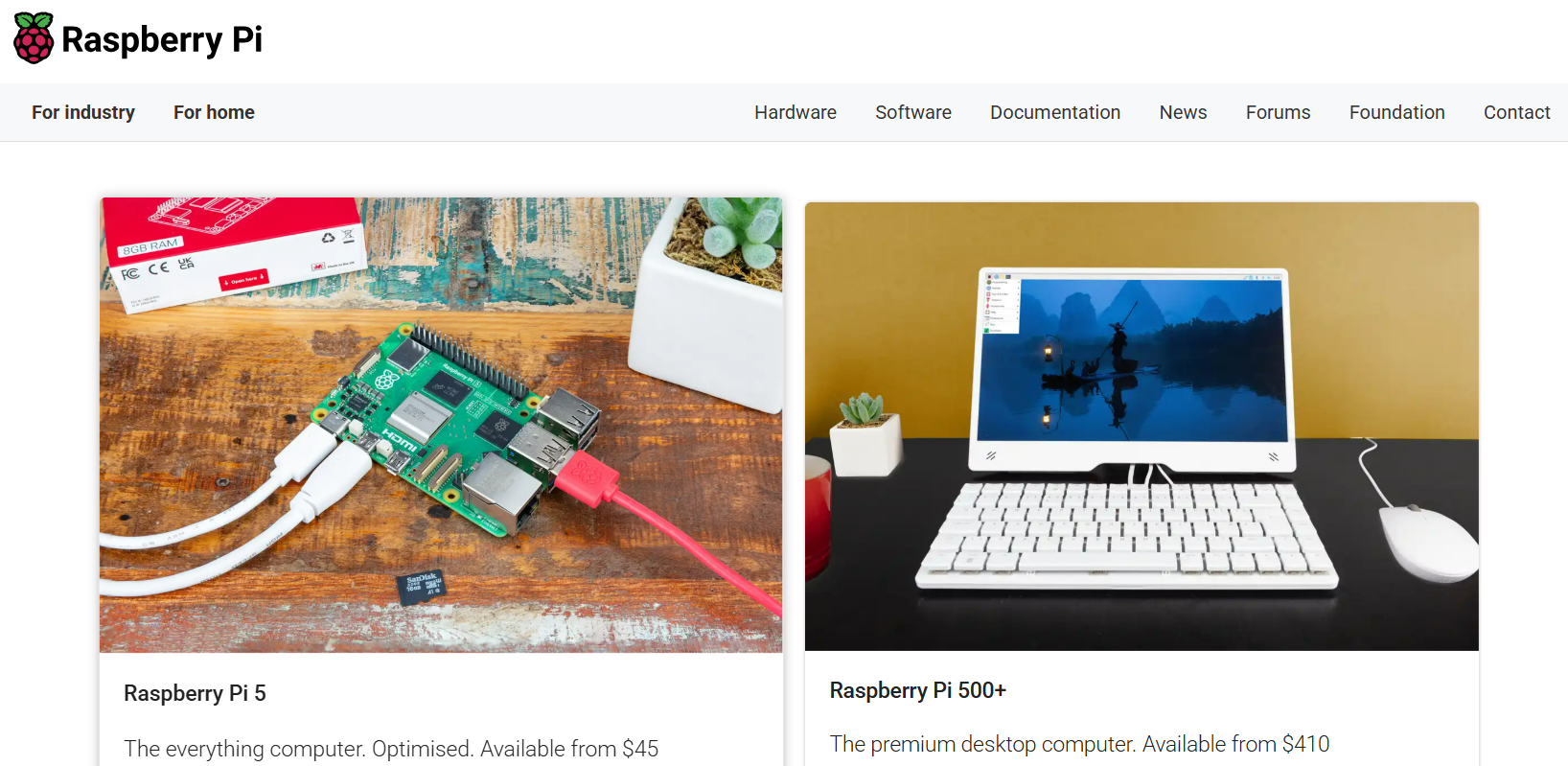
Hardware and Accessories: For an overview of all available boards, cameras, and official modules, check out Raspberry Pi Products.
-
Operating Systems and Tools: Download all necessary software, including the Raspberry Pi Imager, from Raspberry Pi Software.
-
Technical Specifications: If you're looking for GPIO pinout diagrams or deep technical details on individual components, head over to the Official Documentation.
2. Where to Find Project Ideas (Step-by-Step)
Not sure where to start? These portals contain thousands of proven guides—from the absolute basics of blinking an LED to complex IoT (Internet of Things) devices.
For Beginners and Schools:
-
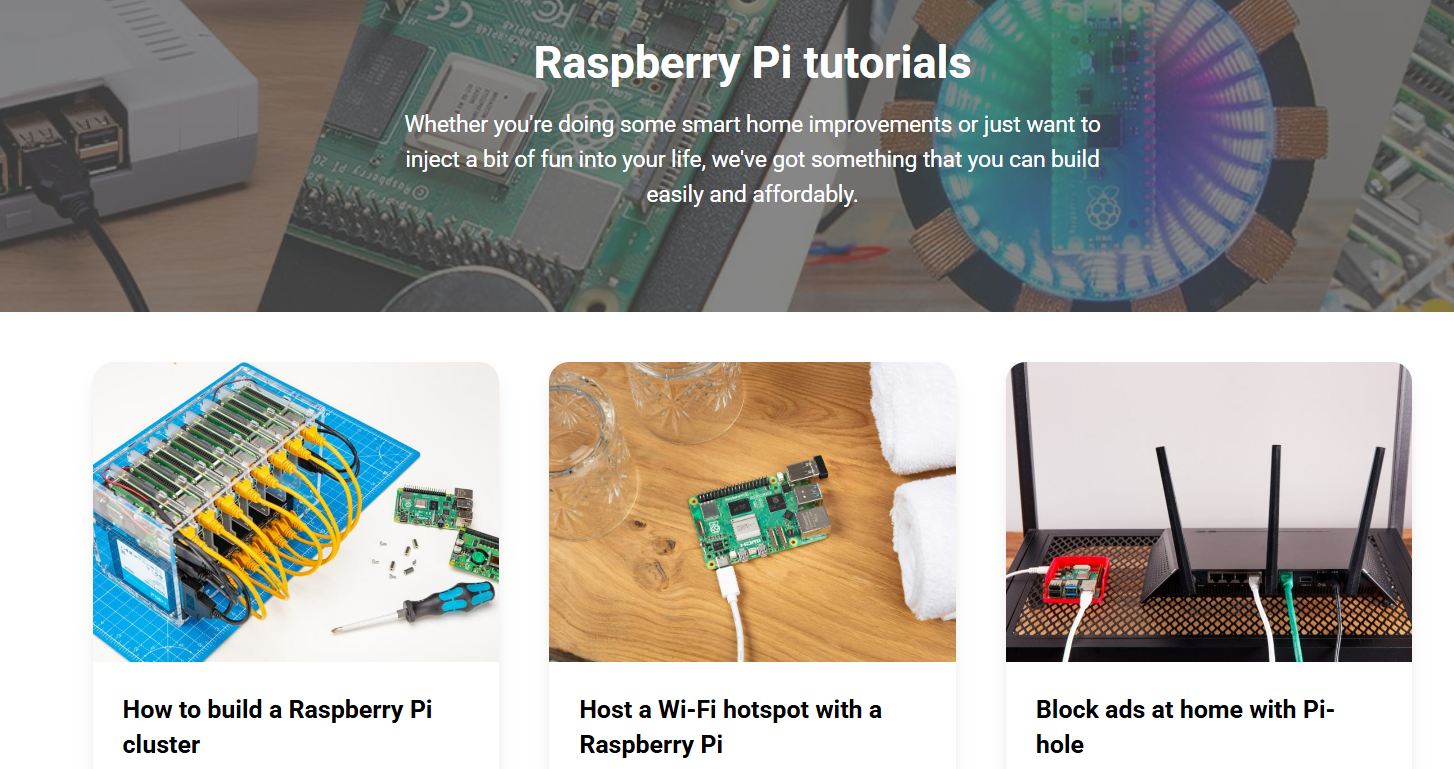
Official Tutorials: Find quick guides for specific features at Raspberry Pi Tutorials.
-
Educational Projects: The Raspberry Pi Projects page is ideal for students and teachers, offering visually appealing guides for Scratch and Python.
For Makers and Hardware Enthusiasts:
-
Hackster.io (Raspberry Pi): A great platform for innovative community projects with detailed parts lists and code.
-
Instructables: A huge database of creative DIY projects where users share their workshop processes.
-
Random Nerd Tutorials: A perfect resource for projects focused on electronics, sensors, and home automation (often combined with other microcontrollers).
-
DFRobot Community: A community forum and project hub primarily focused on robotics and sensor integration from a well-known hardware manufacturer.
3. Advanced Projects: Artificial Intelligence (AI) and Computer Vision
The Raspberry Pi is no longer just for simple scripts. With the arrival of new modules, it can process complex AI models locally (without needing the cloud).
-
Official AI Accelerators: If you want to turn your Raspberry Pi (especially the Model 5) into an AI workstation, the manufacturer offers special hardware with Neural Processing Units (NPUs). Check the documentation for the Raspberry Pi AI Kit and the more powerful AI HAT+.
-
Real-Time Object Detection: If you want to use a camera to recognize people, cars, or animals, the most popular model is YOLO (You Only Look Once). A complete guide on deploying YOLO models on Raspberry Pi is provided by Ultralytics.
-
Deep Dive into Computer Vision: The PyImageSearch blog is the absolute gold standard for anyone who wants to connect a Raspberry Pi, a camera, and the OpenCV library for image processing.

4. Continuous Learning and "The Best Of"
Stay up-to-date with the latest news and discover the most useful tools that exist for this microcomputer.
-
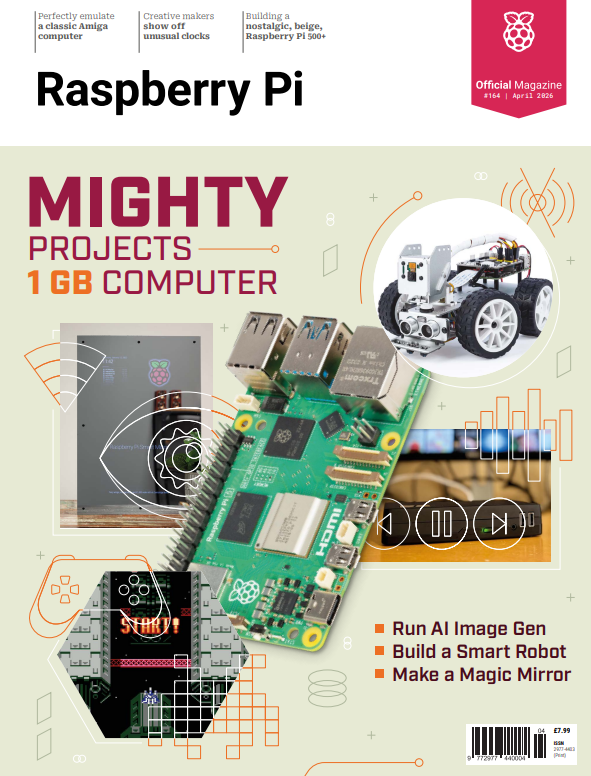
The MagPi Magazine: You can subscribe to the official The MagPi magazine in print, but every issue is also available to download as a free PDF. It’s a fantastic source of monthly inspiration, reviews, and community interviews.
-
The "Awesome List": The community-driven Awesome Raspberry Pi repository on GitHub is a curated list of the absolute best software, libraries, operating systems, and tools ever created for the Raspberry Pi. If you're looking for specific software, start here.
Last modified: Sunday, 19 April 2026, 4:45 PM