Exercise: Data Labeling with Label Studio
Objective:
Learn how to use Label Studio to label a dataset for a machine learning project.
Prerequisites:
- Basic understanding of data labeling and its importance in machine learning.
- Label Studio installed on your machine. Here are installing instructuons.
- We choose install Label Studio using Anaconda.
Steps:
1. Install and Start Label Studio using Anaconda:
- Download and install Anaconda from here https://www.anaconda.com/download
- Run Anaconda navigator, run anaconda_prompt and run next commands
conda create --name label-studio
conda activate label-studio
conda install psycopg2  # required for LS 1.7.2 only
pip install label-studio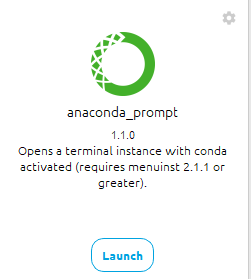
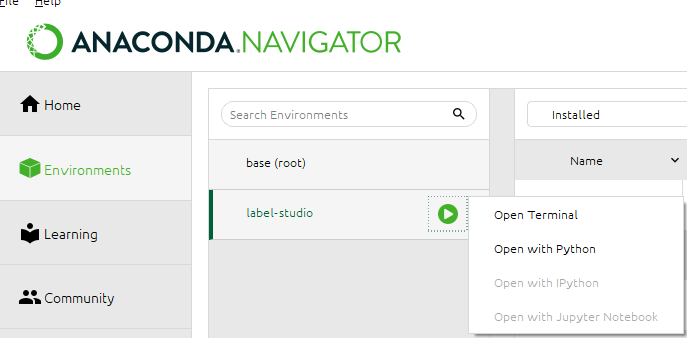
Open your web browser and go to `http://localhost:8080` to access the Label Studio interface.
After that, label-studio enviroment is created and next time run the environment on label-studio play button -> Open Terminal, using command:
label-studio startOn first run, register account on Sign up link and confirm on link via recieved e-mail. Next time you can login using this account.
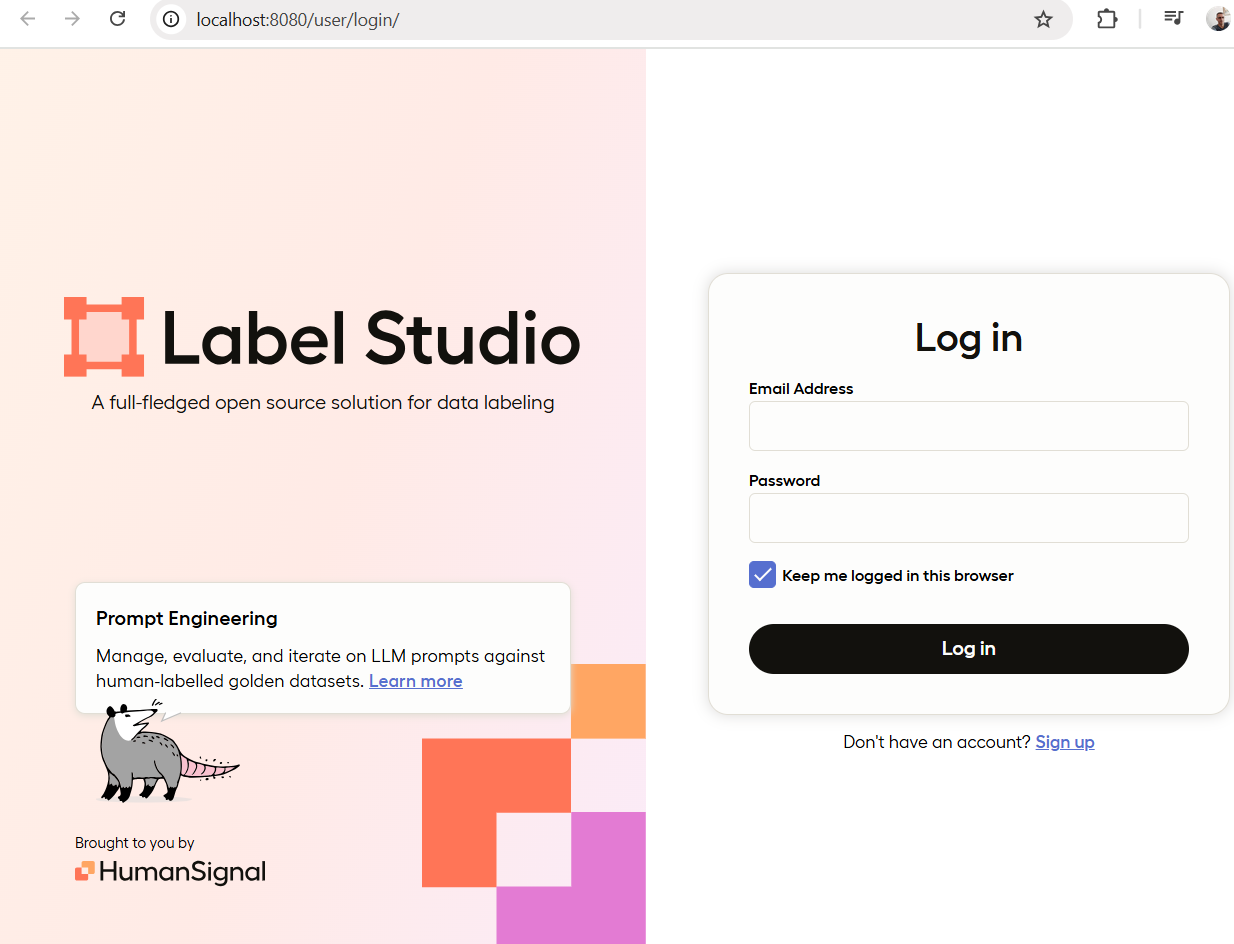
2. Create and setup New Project:
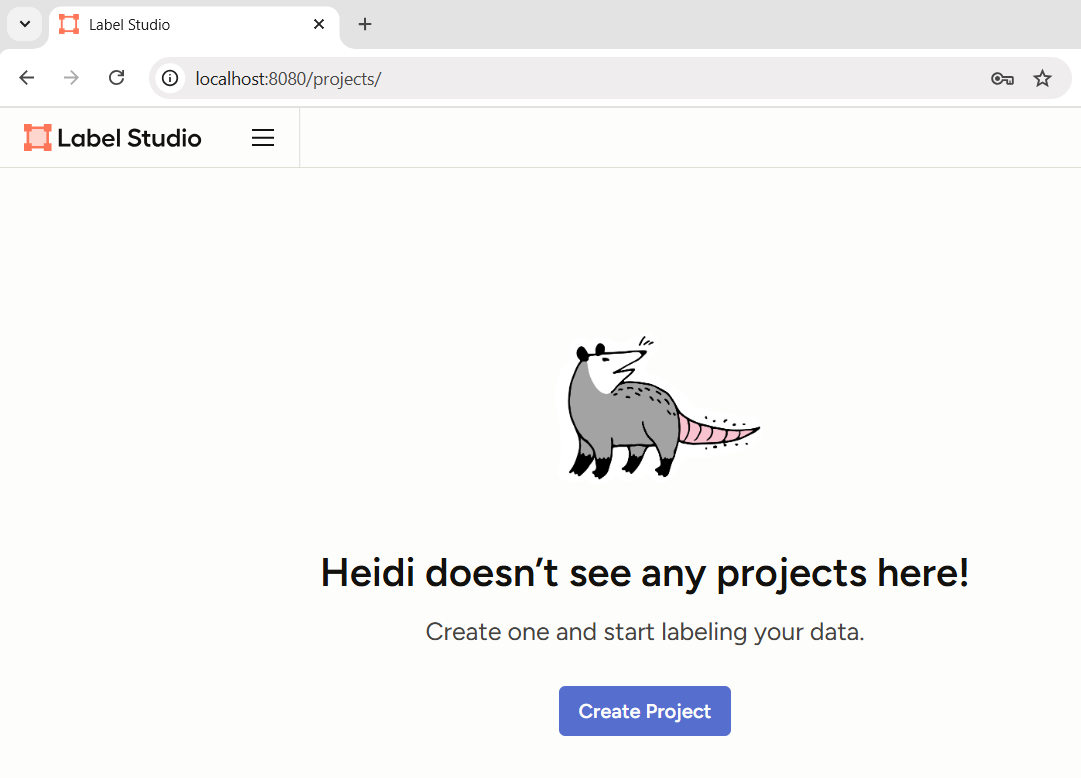
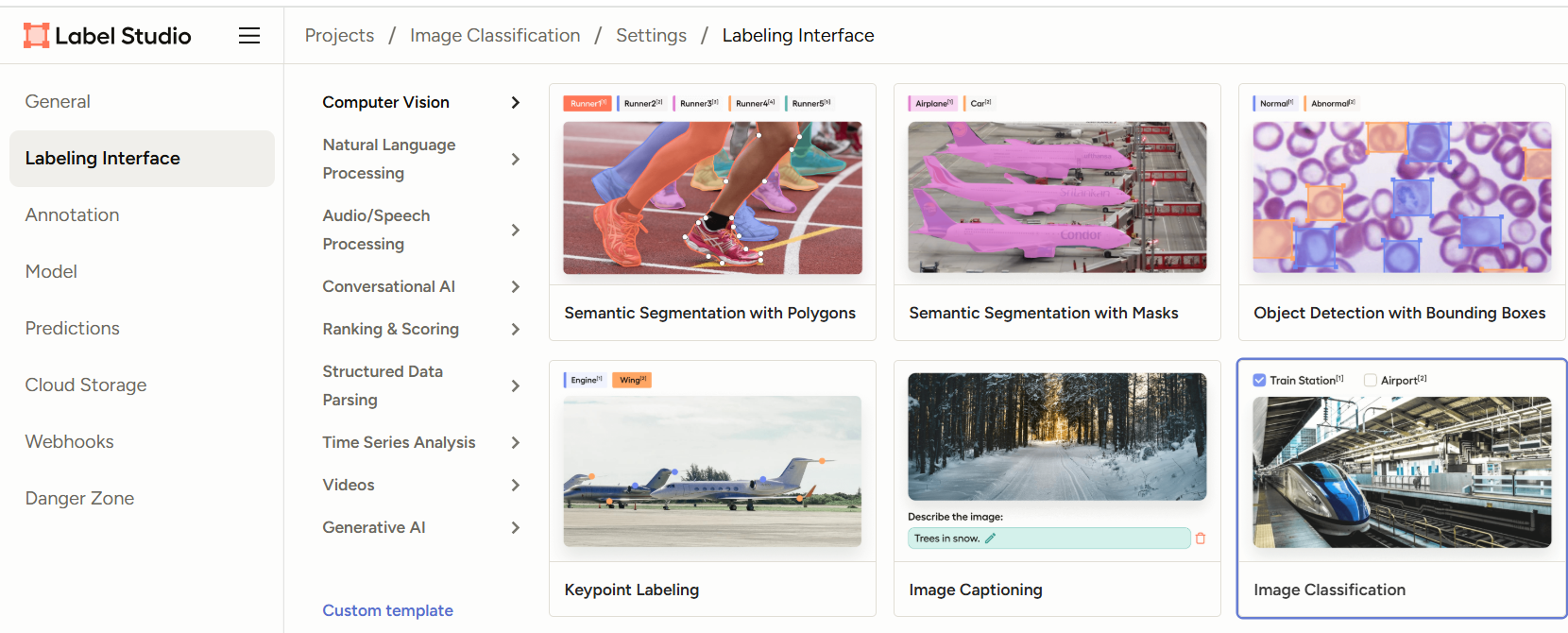
- Click on "Create" to start a new project.
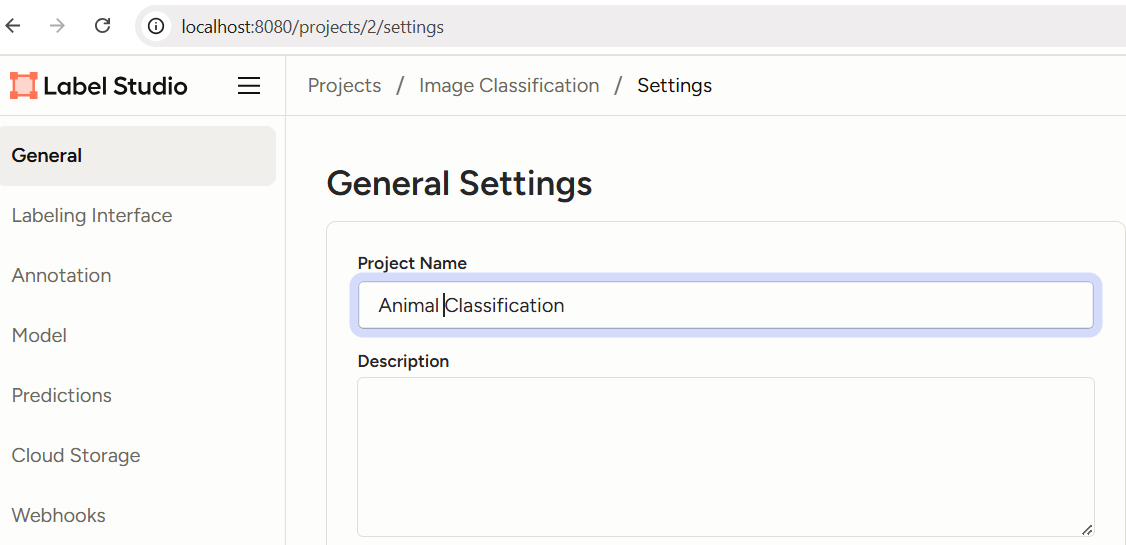
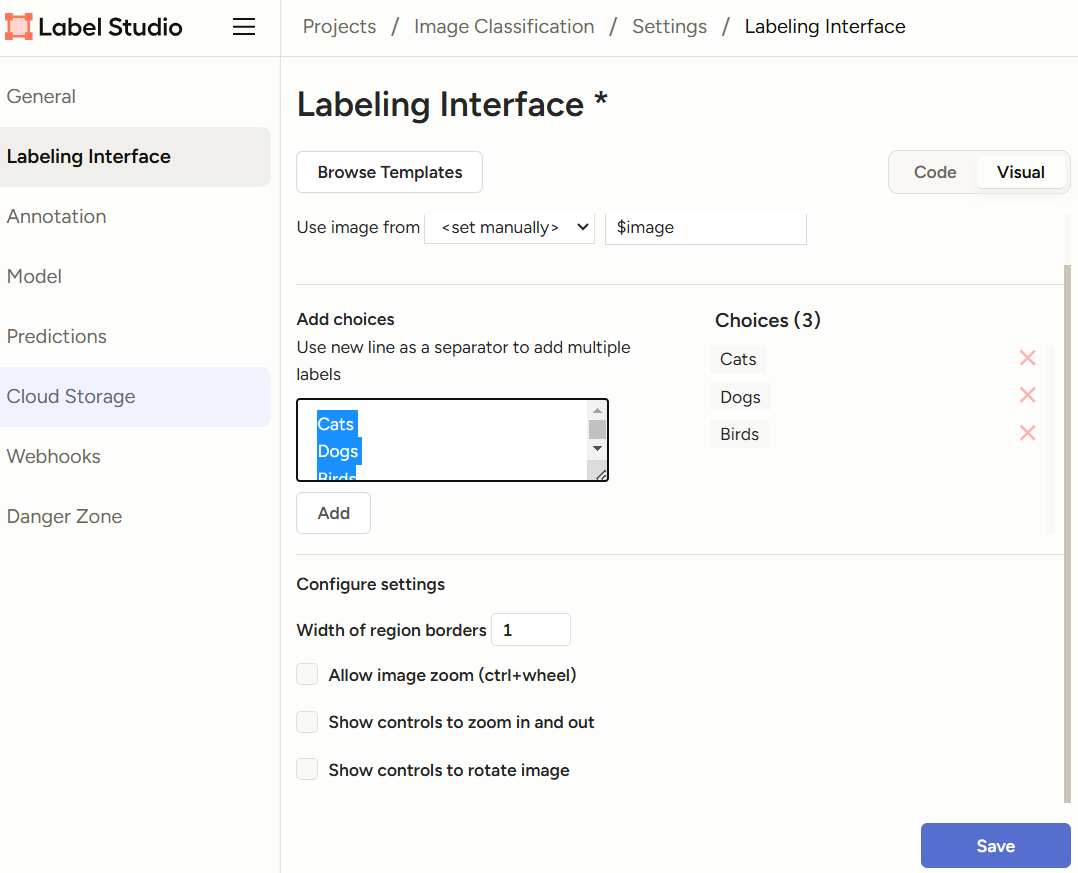
- Name your project "Animal Classification" and provide a brief description.
3. Upload Data:
- Prepare a dataset of images. You can use your own images or a sample dataset of images from any public source (e.g., CIFAR-10, ImageNet). Let's download some images of cats, dogs and birds from https://github.com/AIForVet/aiml/tree/main/train
- Click on "Go to import" and drop images you downloaded and want to label (cats, dogs, birds...).
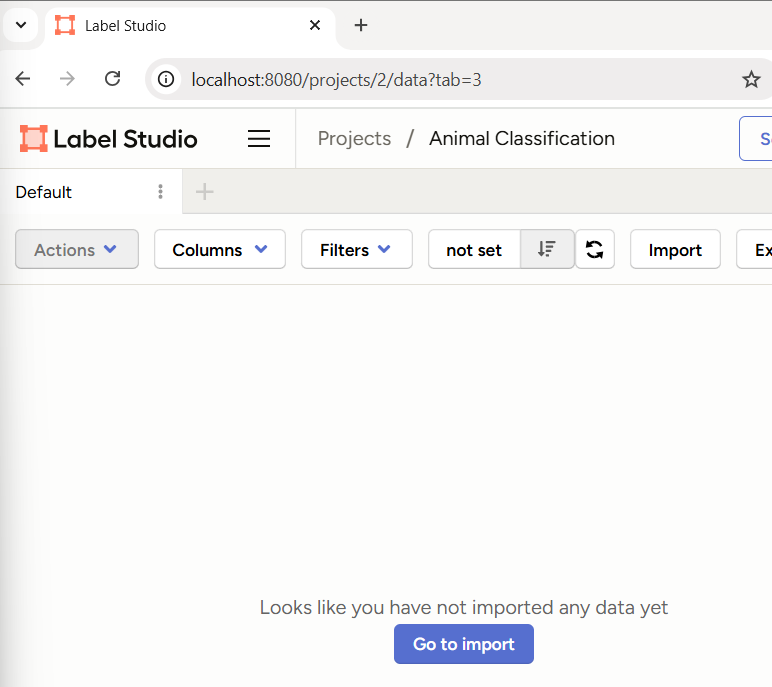
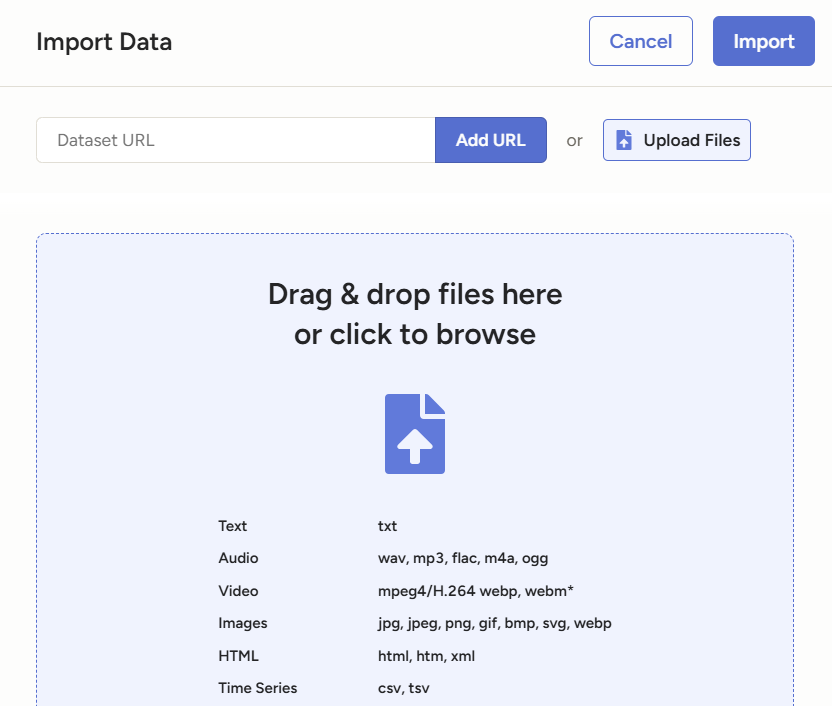
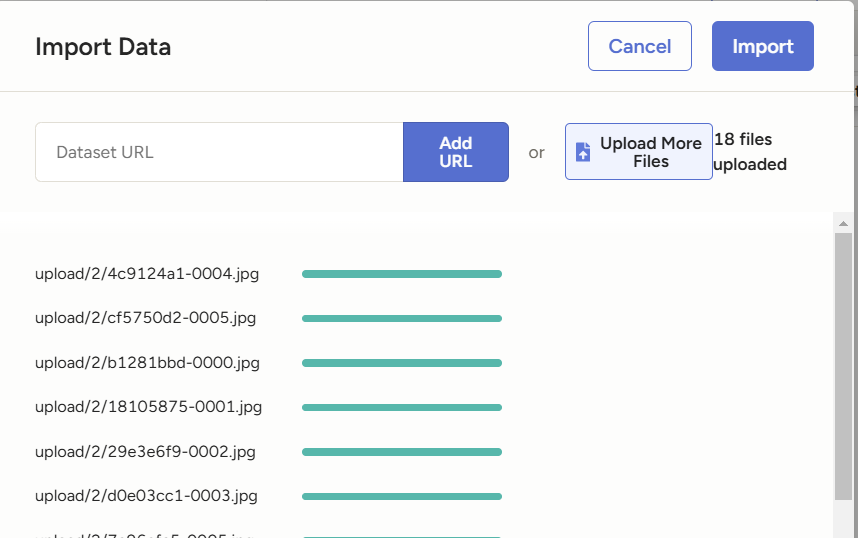
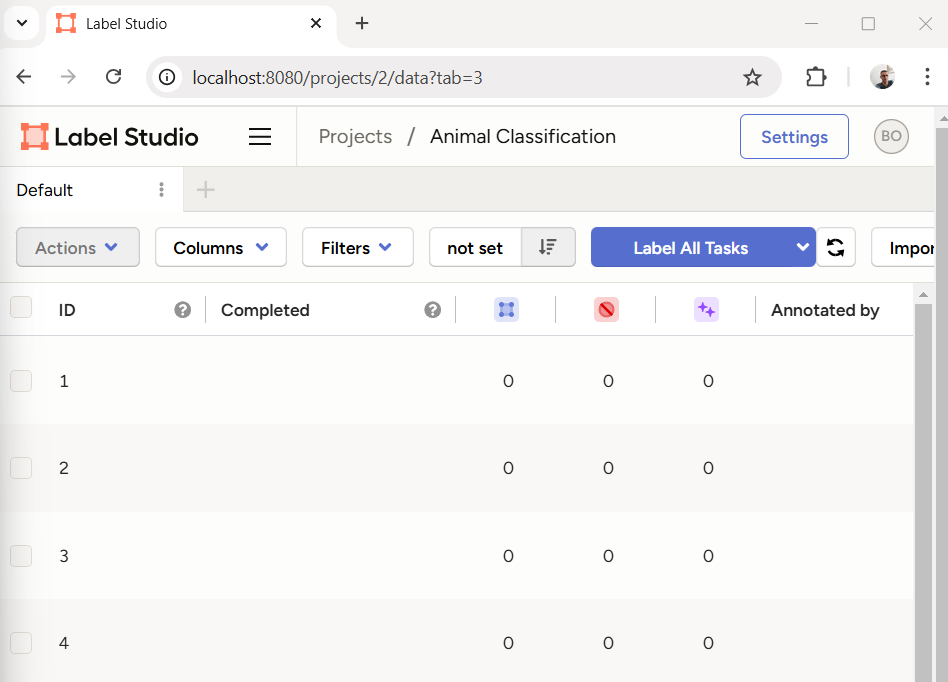
- Then, click on Import button. Later, you can delete selected items or add new items.
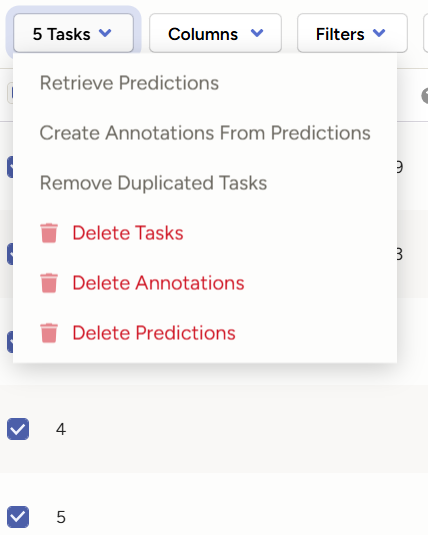
4. Start Labeling:
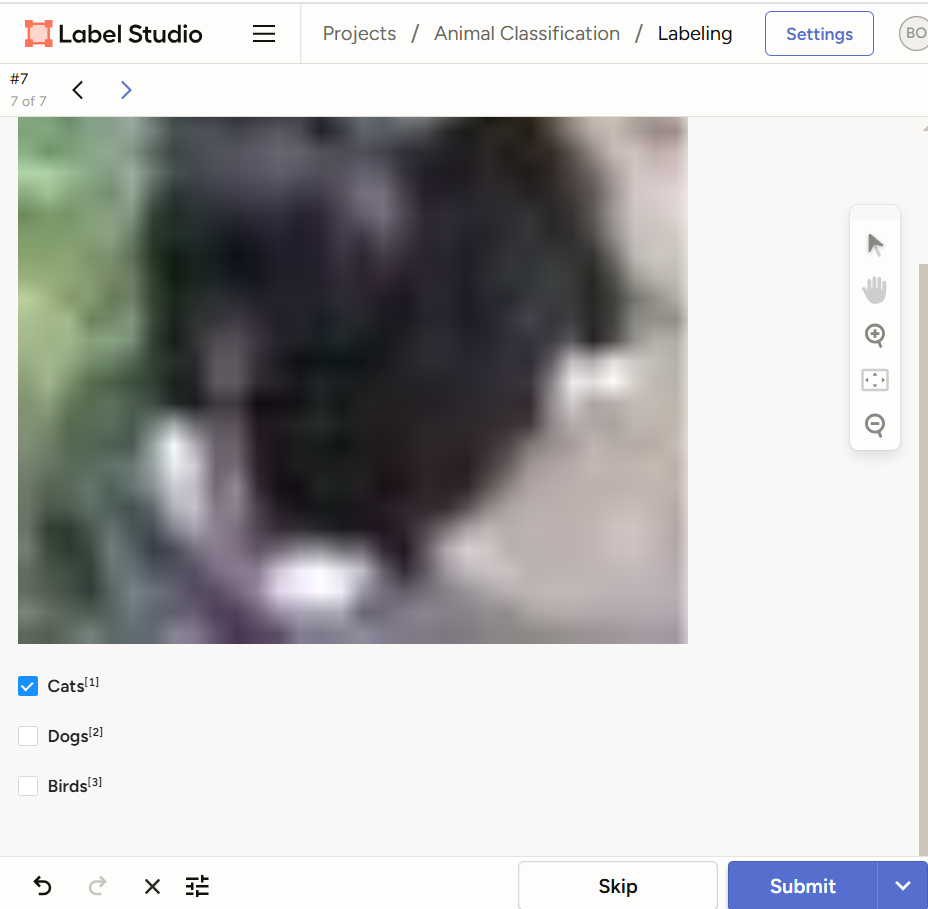
- Click on Label All Tasks and begin labeling the images by selecting the appropriate label for each image an click on Submit button.
- Label at least 20 images to get a good amount of labeled data.
7. Export Labeled Data:
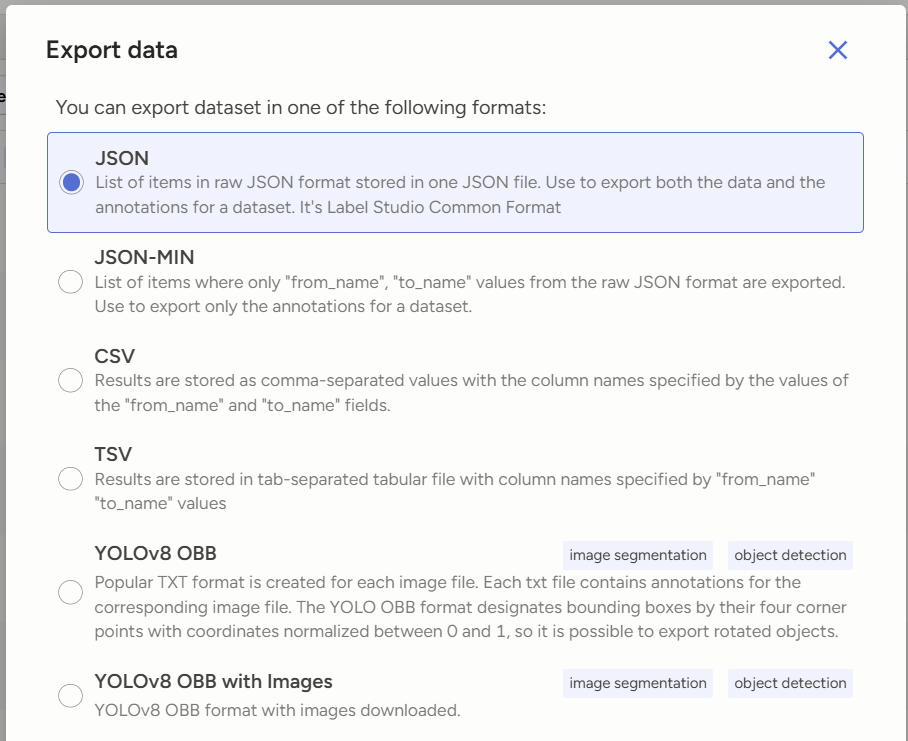
- Once you have labeled the images, click on "Export" to download the labeled data.
- Choose the export format (e.g., JSON) and save the file to your local machine.
8. Analyze the Labeled Data:
- Open the exported file and examine the labeled data.
- Discuss how this labeled data can be used to train a machine learning model.
Discussion Questions:
1. Why is data labeling important in machine learning?
2. What challenges did you face while labeling the data?
3. How can the quality of labeled data affect the performance of a machine learning model?
4. What strategies can be used to ensure high-quality data labeling?
Submission:
- Submit the exported labeled data file.
- Write a brief report (1-2 pages) answering the discussion questions.
Completion requirements:
- Make a submission